Add Objectif Chypre to Your Phone Like an App
Want quicker access to Objectif Chypre on the go? Here's a simple step-by-step guide to add our website to your iPhone or Android home screen, just like a real mobile app.
Yannick
7/1/20261 min read

📱✨ Handy Tip: Add ObjectifChypre.com to Your Phone as an App!
Do you often check ObjectifChypre.com to plan your life in Cyprus, find good deals, or manage your expat journey? Good news: you can turn the site into a shortcut right on your phone, just like a real app! 😍
🚀 Why Do This?
Ultra-fast access in just 1 tap
No need to search through your browser
A smooth experience, just like a mobile app
📲 On iPhone
Open your web browser (Safari, Chrome, etc.)
Go to 👉 objectifchypre.com
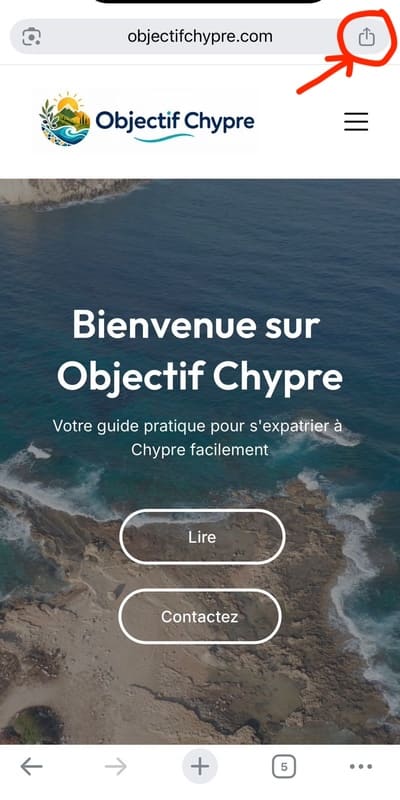
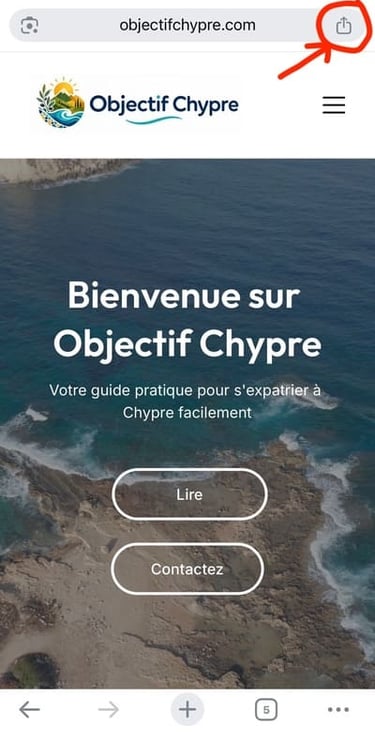
Tap the Share icon (the square with an arrow pointing up)
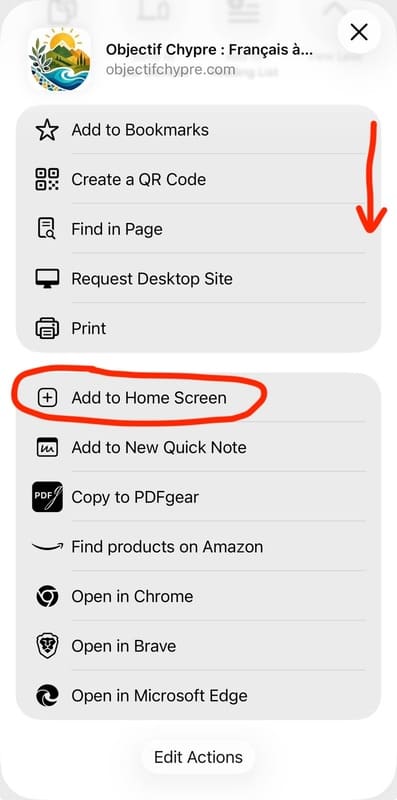
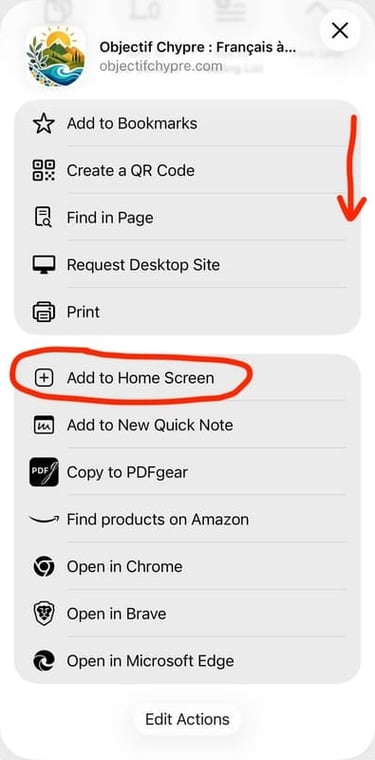
Select "Add to Home Screen"
Rename it if you like (e.g., Objectif Chypre)
Tap Add
✅ And that's it! The icon now appears on your home screen 🎉
🤖 On Android
Open your web browser (Chrome, etc.)
Go to 👉 objectifchypre.com
Tap the three dots in the top-right corner
Tap "Add to Home Screen"
Confirm
✅ Your shortcut is ready, just like a real app 🚀
💡 Little Bonus
Once added, the site opens in full-screen mode, distraction-free, for an even smoother browsing experience 👍
👉 Try it now and keep Objectif Chypre always within reach 🇨🇾☀️